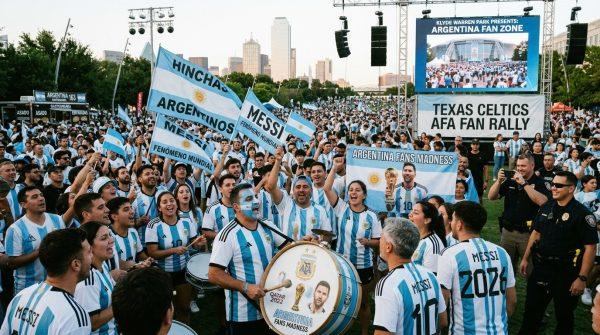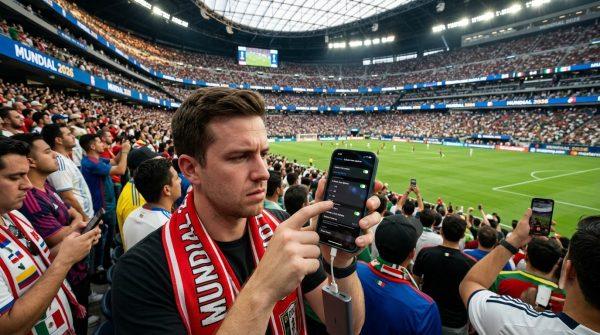
If you've ever been to a packed soccer match—say, a Clásico at the Estadio Azteca in México City or a World Cup qualifier at the Monumental in Buenos Aires—you know the frustration: you pull out your phone to share a goal celebration, and nothing loads. The network is dead. It's not your device; it's the sheer crush of people all trying to connect at once.
As the 2026 World Cup approaches, with matches set for stadiums across México, the United States, and Canada, this problem will hit millions of fans. Understanding why it happens and how to work around it can save you from digital isolation during the biggest moments.
Why Your Phone Fails in a Crowd
Carrier antennas in stadiums have strict capacity limits. A single antenna might handle up to 1,000 devices, but when 80,000 fans flood the stands, that threshold is obliterated. The result: browsing slows to a crawl, calls drop, and apps like WhatsApp or Instagram become unusable. The situation gets worse when everyone uploads high-res photos or streams video simultaneously.
This isn't a glitch—it's physics. Mobile networks weren't designed for such dense, concentrated demand. But there are ways to outsmart the system.
Simple Fixes That Work
One of the most effective tricks is toggling airplane mode on for a few seconds, then off. This forces your phone to disconnect from its current, congested antenna and search for a less crowded one nearby. Similarly, turning mobile data off and on can refresh your connection.
Another tactic: manually switch your network band. On Android, go to Settings > Mobile networks > Preferred network type and select 3G, 4G, or 5G based on performance. On iOS, navigate to Settings > Cellular > Cellular Data Options > Voice & Data. While 3G is slower, it often carries far less traffic during big events, giving you more stable access.
Prep Like a Pro
Preparation is your best ally. Download stadium maps, match schedules, and any event apps before you leave home. That way, you won't need real-time data to find your seat or check kickoff times. Carry a portable power bank—low battery can throttle your phone's radio performance, making connectivity even worse.
If cellular networks collapse entirely, seek out official venue Wi-Fi hotspots or open areas where signal might be stronger. Some stadiums in the U.S., like SoFi Stadium in Los Angeles, have invested in distributed antenna systems to ease congestion, but not all venues are equal.
For fans heading to matches in cities like Houston, where security concerns have already prompted crackdowns, staying connected is also about safety. And with extreme heat threatening players and fans, having a working phone to check weather alerts or find water stations is crucial.
Ultimately, understanding these limits lets you bypass the bottlenecks. With a few simple adjustments, you can stay online before, during, and after the final whistle—so you never miss sharing that golazo with the world.