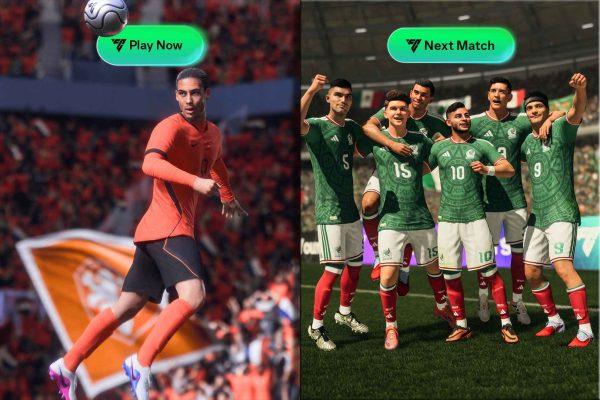
For Latino gamers who live and breathe football—whether you're from Buenos Aires, México City, or the barrios of Los Angeles—EA FC 26 is more than just a game. It's a virtual extension of the passion we bring to every real-life match. But to truly compete online, you need more than skill: you need the right settings. Here's how to configure your game for peak performance.
Controller Layouts: Find Your Flow
Your controller is your connection to the pitch. EA FC 26 offers four presets: Classic, Alternative, One Button, and Two Button. For veterans of the series, Classic feels like home, mapping familiar inputs for passing, shooting, and defending. But don't stop there—dive into the Customize Controls menu to remap buttons to match your reflexes. Whether you prefer sprint on R1 or a custom setup for skill moves, this flexibility can shave milliseconds off your reactions.
Camera Angles: See the Whole Field
Vision is everything. The new UT Competitive Camera is designed for Ultimate Team tournaments, offering a tight, focused view that helps you spot runs and defensive gaps. For general play, the Co-op camera provides a wider angle, ideal for reading the game like a coach. Many pros swear by Tele Broadcast for its balanced perspective—great for both attacking and defending. Experiment to find what suits your style, especially if you're grinding in Division Rivals or FUT Champions.
Gameplay Tuning: Competitive vs. Authentic
EA FC 26 splits its gameplay into two modes: Competitive and Authentic. Competitive mode tightens responsiveness and manual control, essential for online matches where every pass counts. Authentic mode slows things down for a more realistic, casual feel—perfect for offline play with friends. Remember, custom sliders are offline-only, so stick to Competitive for ranked games. For more on navigating high-stakes matches, check out our guide on World Cup group stage matches.
Pro Settings to Dominate
Want to play like the pros? Start with Pass Receiver Lock set to Late. This gives you extra time to adjust your pass under pressure, keeping possession when it matters most. For defending, choose Tactical Defense over Advanced—it automates tracking and tackle timing, letting you focus on positioning. Set player switching to Air Balls and Loose Balls only, so you control defensive transitions without accidental swaps. These tweaks are used by top competitors and can elevate your game instantly.
As you refine your setup, remember that football is about rhythm and adaptation. Whether you're repping Club América or la Selección, these settings help you play your way. And if you're planning to catch live action, don't miss our tips on staying cool at World Cup 2026 matches.
EA FC 26's depth rewards those who take the time to customize. From the streets of Medellín to the stadiums of Madrid, the beautiful game lives in every pixel. Adjust your settings, trust your instincts, and go for glory.